



Change PokerStars Options
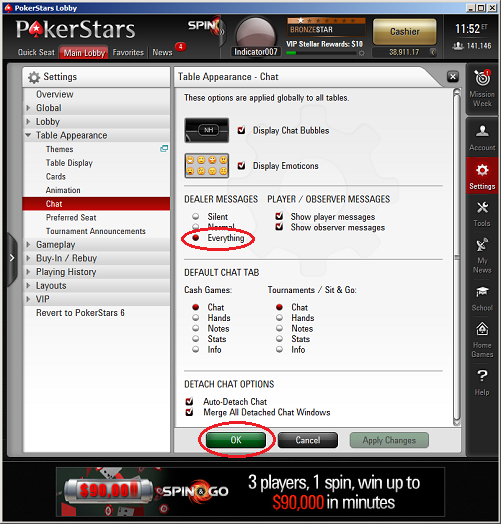
Click the "Settings" button on the right side of your PokerStars lobby. Then "Table Appearance" > "Chat". Make sure you choose "Everything" for "Dealer Messages". Then click the "OK" button.
 |
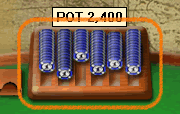
For the old PokerStars client, click the chip tray on the game table
|
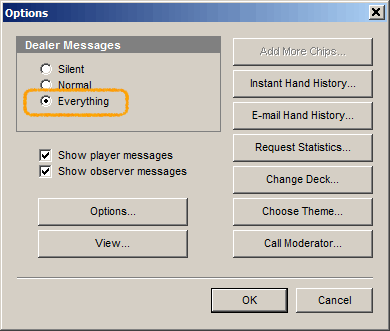
2. Select "Dealer Messages" to "Everything"
|
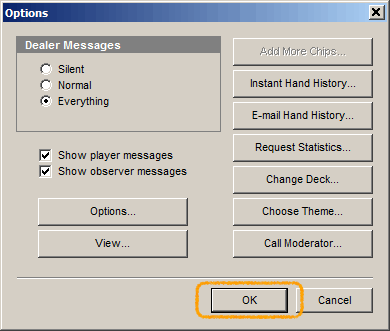
3. Click "OK" Button to save changes
|
